




Reviewing a Pharmacy Quotation
Follow your prescription request and understand what to check before confirming the pharmacy’s quote.
Upload a readable prescription
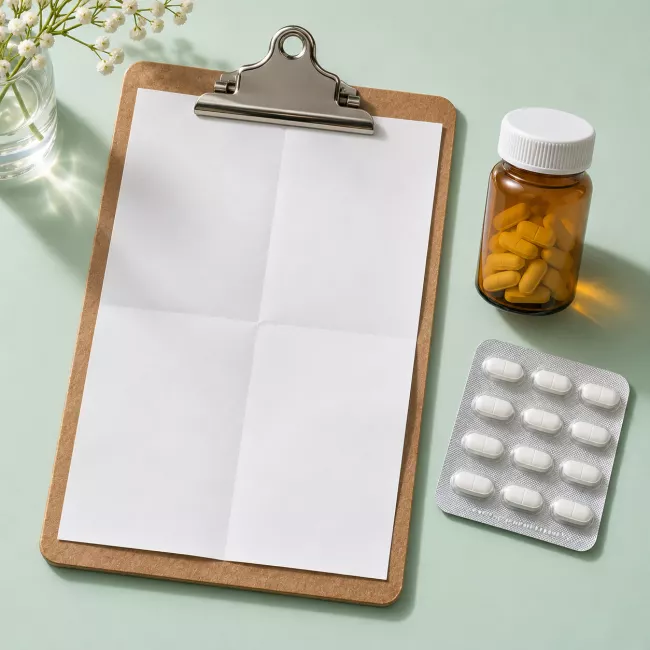
Open Prescription Requests and use a clear copy of the prescription. Check that the full page is visible and the text is readable before submitting it for pharmacy review.
Check the quote when it arrives
Open the request to review the items and total quoted by the pharmacy. If an item or quantity differs from what you expected, ask the pharmacy for clarification before confirming.
Track the order after confirmation
Once you confirm the quote, follow the request and check My Orders for updates when it becomes an order. Keep the reference number handy if you need help.